


Most of the time you either won’t have a cell signal or won’t have a data plan while taking a road trip in a foreign country – and especially a country like Cuba. So you get out your Lonely Planet guidebook and use the tiny little maps on the pages to find your way around the country. Or, you download the maps.me app. You’re stuck listening to the same songs in the car because you can’t stream your music (or your Apple Music completely fails upon trying to use it without a signal… speaking on behalf of some friends here). Or, you use Spotify and download your songs and playlists ahead of time. You need to ask someone “where is the Sol Hotel?” but not sure how to say it in Spanish or another language so you make a roof shape over your head in hopes the person understands you. Or, you download a translation app. (And that’s
¿Dónde está el Sol Hotel? by the way.) It’s the 21st Century – travelling doesn’t have to be so difficult anymore, and smart people have invented smart apps that work on smartphones – and these ones are all free.
maps.me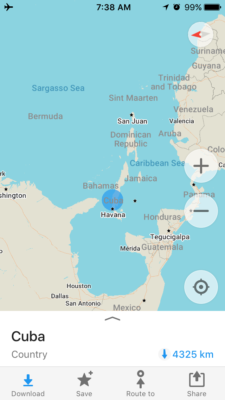
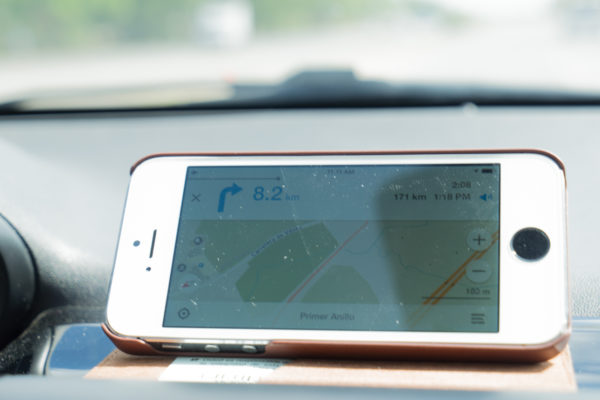
Quite possibly the best and most reliable offline maps app that doesn’t expire – maps.me. Unlike Google Maps which now serves its use offline, maps.me maps don’t expire and you can use it for virtually any country (f it worked for us in Cuba, it has to work anywhere.) Not only does it direct you while you’re listening to music in your rental car through the auxiliary port, but it will even re-route you if you run into some unexpected construction (as it did for us). All you have to do is download the app and then download the offline version of the place you’re wanting to travel. In some instances for larger countries like Canada, you’ll download it by province, but for smaller countries like Cuba, you’ll download it by country.
Spotify (paid version)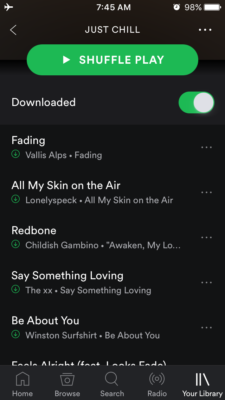
Most of us are familiar with Spotify and have either had their music life revolutionized by it or are about to. It is a
fantastic music app that lets you listen to almost any song anywhere, listen to friends’ playlists, what other countries are listening to (Tip: search Spotify UK, or Spotify Australia and New Zealand, or another country to see what the hits are and the new music out of those areas), and create playlists of your own. And for about $10/month, you have the ability to play all of your music and playlists offline. This is the single-best revolution for music lovers who travel. Additionally, the music also takes up significantly less memory than downloading iTunes songs. We’ve all been there – go to take a photo – memory full – and not something you want to see when standing in front of the Great Wall or a perfect pacific sunset. Spotify paid version will give you music at your fingertips without breaking the bank or memory on your smartphone.
Translation Apps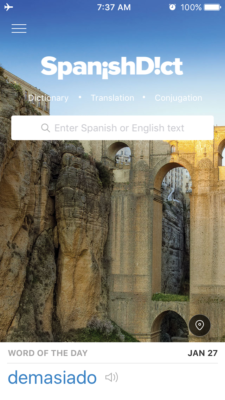
image2The most reliable translator app I’ve used for Spanish has been SpanishDict. While studying Spanish in Mexico 3 years ago, it was my go-to app and while travelling in Central America for years after, it was and still is. While its capabilities
to create full sentences offline are limited, any word, ever, you’ll type it and get an answer. Knowing your basics helps, and fitting in words as needed makes it easier. This was the most reliable translator app while recently road tripping Cuba still as well. Google Translate offline for iPhone was still working out its kinks and continues to do so. Have backups though – download Google Maps offline as well. But when fumbling around on your phone trying to type in what you’re wanting to say to someone, you’ll find it easier to just type the word you are looking for rather than the whole sentence – which, if you’re searching for it in Spanish, that’s where SpanishDict comes in handy.
Currency Converter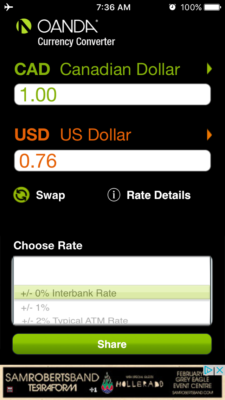
Simple – basic – no strings attached. Everyone needs a currency converter when travelling abroad, and the most reliable one to date has been Oanda Currency Converter. When connected to wifi or a cell signal, it’ll download the latest currency rates and use those when working offline. Type in your amount, select the local and your home currency and boom – there’s your conversion. Take a screenshot if you’re wanting to remember a general amount like $1000 = x pesos.
Gone are the days of the oh-so-handy calculator watch from street markets, the phrase book, or the bulky map. These days we have the technology to make travelling easier and safer and these apps can help you along the way.



TEST COMMENT
test 2